
Network latency refers to the time it takes for data packets to travel from a source to a destination across a network connection. It influences network performance, application responsiveness, and ultimately customer satisfaction. Lower delay means faster network communication and more efficient business operations. Higher delay can lead to network lag, choppy calls, and slow applications, especially in video-enabled remote operations and real-time dashboards that stream sensor data.
How latency is measured
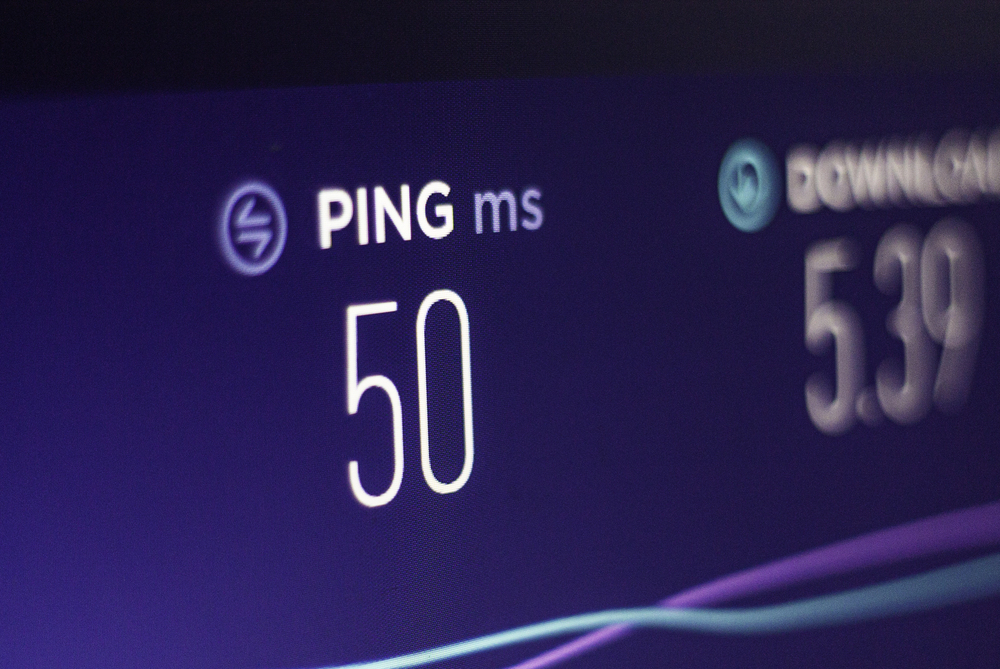
Latency is usually measured as round-trip time. A host sends a small message to another host, then waits for the reply. This is often done with the ping command, which uses the Internet Control Message Protocol to test reachability and measure latency. In practice, you also examine throughput latency and application response times to measure network performance end-to-end.
Key factors included when latency is measured:
- The total distance data packets must travel across the transmission medium.
- The number of network devices and hops along network paths.
- The available network bandwidth, overall network capacity, and current load.
- The performance of network hardware, such as switches, routers, and firewalls.
What can affect latency
Several parts of your network infrastructure can affect latency:
- Network congestion reduces the effective network speed and increases queueing delays, which can lead to increased network latency continually or during busy periods
- The transmission medium matters. A fiber-optic cable in a well-designed fiber-optic network has very low propagation delay and reduced fiber-optic latency compared with copper or long-haul wireless links.
- Wireless network links add airtime contention and interference.
- Routing over different network paths can introduce detours that add delay.
- Application and server processing times contribute to operational latency, in addition to pure transport delay.
- Workloads that frequently communicate across regions or clouds increase the physical distance traveled and the number of intermediate devices.
- Media type matters. Audio latency becomes noticeable during calls, and real-time data transmission for control systems is sensitive to jitter and delay.
How to reduce and troubleshoot latency
You can reduce network latency and improve network performance using a mix of design and diagnostics:
- Architect for locality
Place services and users closer together, shorten network paths, and minimize unnecessary hairpin turns. Choose regions that minimize the physical distance data packets travel. - Upgrade the medium and hardware
Whenever possible, prefer a fiber-optic cable backbone. Right-size network capacity and network bandwidth, and modernize network hardware to cut processing delays. - Optimize routing and QoS (Quality of Service)
Use policy-based routing to avoid congested links, and configure QoS so that latency-sensitive flows, such as voice or video-enabled remote operations, receive priority. - Tune the wireless network
Enhance signal quality, minimize interference, and segment crowded SSIDs to minimize latency for mobile users. - Eliminate bottlenecks
Identify oversubscribed links, reduce retransmissions, and fix duplex or MTU mismatches that create network latency issues. - Use the right tools
Start with simple checks using the ping command and traceroute as a baseline network diagnostic tool. Then apply continuous network monitoring tools to track jitter, packet loss, and end-user experience, which helps troubleshoot network latency issues before they impact SLAs.
The outcome is efficient business operations that scale, since businesses prefer low latency for trading systems, collaboration suites, and interactive applications.