
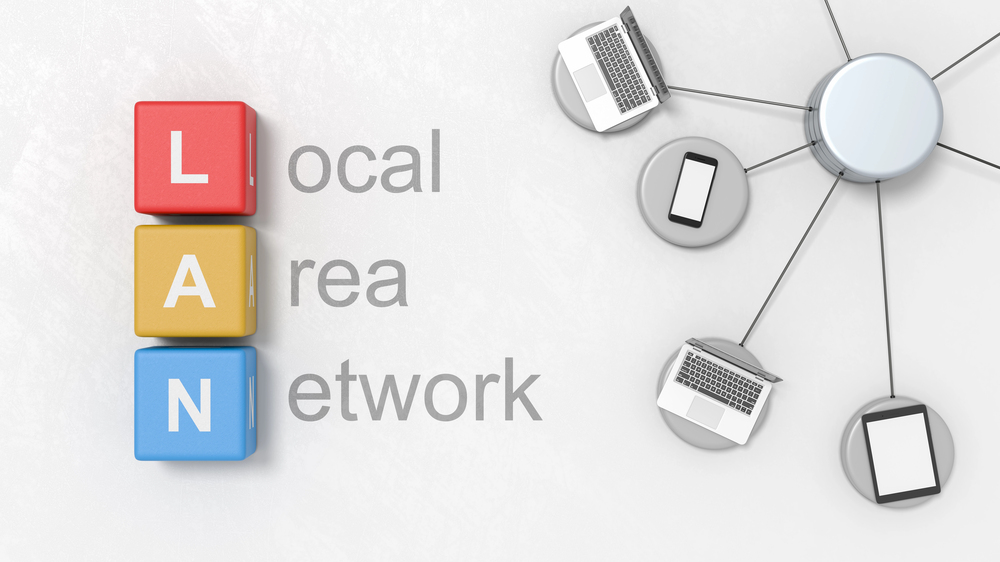
A LAN, or Local Area Network, is a network that connects devices within a limited area, such as a home, floor, or office building. A LAN (Local Area Network) allows computers, phones, printers, and other devices to communicate and share data, resources, and an internet connection. You can think of it as a small network that serves a single group of users in a localized area, typically within a single organization or household. LANs are widely used by businesses, universities, and development teams to support collaboration.
How LANs work and key components
Within a LAN, host devices are connected to devices through Ethernet (wired) or wirelessly, which introduces the concept of a wireless LAN. A router/firewall and network switch sit at the center. The router/firewall manages the internet connection, and that single device serves the whole LAN. Routers and firewalls usually have a low number of ports, so an additional component is required. Network switches establish the internal connections with their large port counts that enable multiple clients to be connected and communicate with each other or with a server and other devices on the LAN. A DHCP server assigns IP addresses so every device can be recognized and is reachable on the network. Other components can include access points, firewalls, and cabling.
Network Traffic and Interconnectivity
Network traffic inside a LAN remains local, which minimizes latency, optimizes performance, and reduces external bandwidth costs. When communication is required between different LANs or subnets, a router or firewall inspects and forwards the traffic. This applies to internal routing between segments or external routing to the Internet and Wide Area Networks (WAN). In larger enterprise systems, LANs can interconnect with other LANs via high-speed backbones or a Metropolitan Area Network (MAN).
From Home to Enterprise Infrastructure
Typically, a simple home network consists of a modem, a single Wi-Fi access point, and a small unmanaged switch that connects a few wired desktops or printers. In contrast, an Office LAN incorporates high-density managed switches, Virtual LANs (VLANs) for logical segmentation, and hardware redundancy to ensure high availability and robust security policy enforcement.
Types, architectures, and older technologies
- Peer-to-peer LANs: Users share files directly with peer devices without the need for a central server. Suitable for very small local networks.
- Client–server LANs: Central servers provide authentication, file services, and applications for many clients. This model suits businesses that need policy control and support.
- Virtual LANs (VLANs): Logical segments on the same physical switch create virtual connections that separate traffic for security and improve performance within the same infrastructure.
- Wireless connections: A wireless LAN provides mobility for laptops and phones within the coverage area.
- Legacy topologies: Token Ring networks and early hubs existed before switches developed into today’s standard. You may still encounter references in older development or migration documents.
LAN vs MAN vs WAN
- LAN: One local area or localized area, such as a room, floor, or campus building. Short distances, high speed.
- MAN (metropolitan area network): Connects multiple sites across a city.
- WAN (wide area network): Links sites across regions or countries. An enterprise uses a WAN to connect other LANs between branch sites. A LAN handles local data flow, while the WAN carries intersite traffic.
Advantages and common examples
A well-designed LAN delivers:
- Access to shared resources such as file servers and printers.
- Better network performance within the site, since local traffic stays local.
- Centralized security, policy, and support for users and clients.
- Cost control is necessary because multiple devices share a single internet path and connection.
Examples: a startup office with switch-connected desktops and Wi-Fi, a home network with smart TVs and phones, or universities that connect labs and classrooms on campus.
Quick glossary
- Ethernet: The common wired LAN technology for high-speed data transfer between switches and devices.
- Switches: Hardware that forwards encapsulated packets inside the LAN so clients can reach servers.
- Router: Connects the LAN to the internet or WAN and routes traffic between two different LANs.
- DHCP server: Automatically assigns IP addresses.
- VLAN: A logical slice of a LAN that separates traffic for security and performance.
- Firewall: Performs similar functions to a router, but is also able to apply more complex security policies.
In summary, a local area network (LAN) is the foundation that keeps your office or home network connected, enables devices to communicate, and provides reliable access to shared resources and the internet within a defined coverage area.